Comparisons
Choosing a tool for product promo videos in 2026
Descript, Runway, HeyGen, invideo, Arcade and ReelBolt compared for product promo videos: what each starts from, where each is strongest, and how each prices.
· 7 min read
ReelBolt 0.2.0-alpha — public alpha. Expect rough edges; things may change. Tell us what’s wrong
We collect telemetry to see how the alpha is going. We also record product-health signals (a failed tool call, a refused request, a failed workflow step, or a chat that ended on an error) as metadata only, so we can see when the alpha is struggling. Each is linked to your account and workspace, and so to your email address; it is not anonymous. It carries no message content. Privacy policy
Comparisons
invideo is an agentic video editor with many AI models; ReelBolt edits your footage into a product promo from your repo and brand. Compare features and pricing.
Published · 6 min read
This comparison is for founders, product marketers and growth leads who want AI agents to do most of the work on a promo video and are choosing between invideo and ReelBolt. We make ReelBolt, so read it with that in mind. Every statement about invideo comes from invideo’s own public pages, linked in the sources at the end.
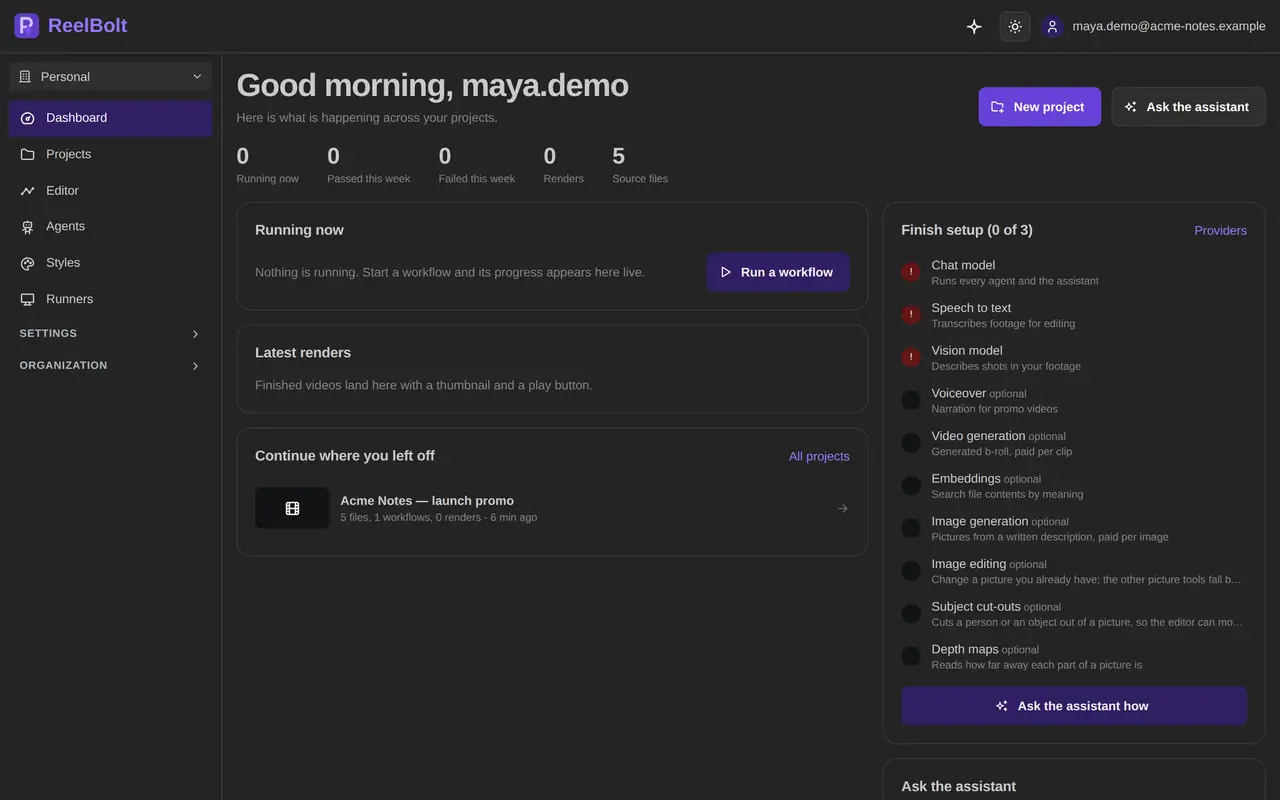
The short version: invideo is an agentic timeline editor that brings many third-party AI models into one place and supports multiplayer editing, while ReelBolt edits your footage into a product promo, starting from your repository and brand kit.
ReelBolt and invideo compared, from each company’s public pages on 2026-10-17
| Item | ReelBolt | invideo |
|---|---|---|
| Input sources | Uploaded footage, a GitHub repo and branch, Google Drive, OneDrive and Dropbox | Prompts and your own footage; agents you build or bring yourself 1,2 |
| Editing | Yes: timeline editor with silence removal, multicam, transcript editing and color grading | Yes: timeline editor with multiplayer editing; color, audio and 3D tools 1,2 |
| Generated b-roll | Yes, on Pro, Team and Enterprise: shots planned under a spend cap | Yes: access to many third-party image and video models in one editor 1 |
| Voice | AI narration, text-to-speech, voice cloning with the speaker’s consent, pickups and dubs | Yes: voice cloning 1 |
| Avatars | No | Yes: an AI avatar generator 1 |
| Brand kit | Yes: imports design tokens, CSS, Tailwind, Storybook, brand PDFs and more | Not covered in the pages we checked |
| Team | Team plan with workspace roles | Priced per seat, with seat limits by plan and free guest seats on Plus and Max 2 |
| Export | Resolution set by plan; OTIO, EDL and Final Cut XML for other editors | 4K export of your own footage from Starter; editable projects for Premiere Pro, Final Cut Pro and DaVinci Resolve 2,3 |
| Integrations | MCP server for Claude Code and other MCP clients; GitHub; cloud drives | MCP for Claude, ChatGPT, Claude Code, Codex, Cursor, VS Code and Gemini CLI 3 |
| Pricing model | Credits: free trial, then Creator, Pro, Team and Enterprise | Credits per seat each month, billed monthly or annually; a free plan with a weekly credit quota 2,4 |
invideo puts a wide range of third-party image and video models inside one editor, so you can choose among them without leaving it 1.
Its agents are yours to shape. You can build your own agents with roles such as cinematographer or music designer, or bring agents you already use 1. ReelBolt’s rooms come with their roles set, such as several editors and a director in the edit room, so invideo gives you more say over how the agent team is made up.
invideo supports multiplayer editing on the timeline 1. Its Plus and Max plans also include free guest seats 2. ReelBolt collects feedback through review comments and a phone review page.
invideo hands off to professional editors. Through its MCP you can export an editable project and keep working in Adobe Premiere Pro, Final Cut Pro or DaVinci Resolve 3. ReelBolt also exports OTIO, EDL and Final Cut XML, but its Final Cut export leaves out titles, grades and effects. If your finishing happens in Premiere or Resolve, invideo names them directly.
invideo has an AI avatar generator 1. ReelBolt has no avatars, so for presenter-led videos invideo covers a need that ReelBolt does not.
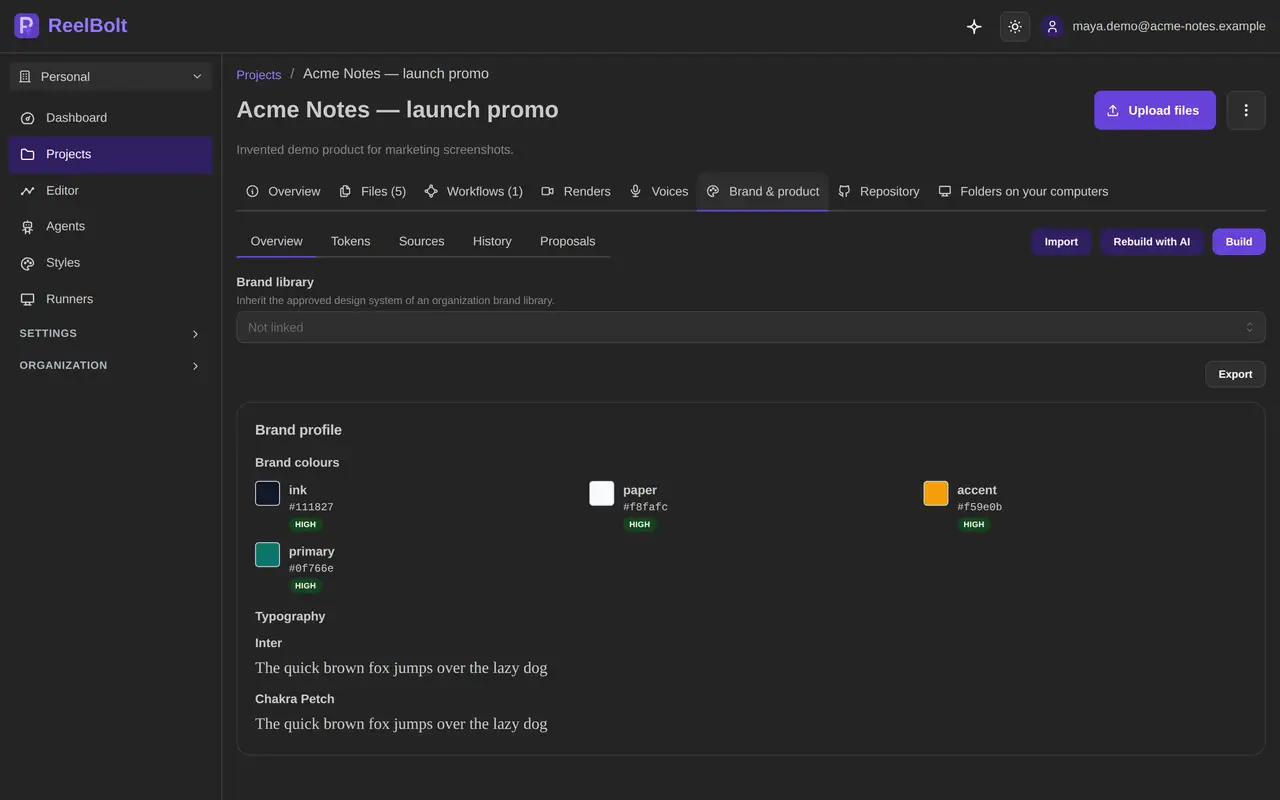
ReelBolt starts from the product you are promoting. Connect a GitHub repository, pick the branch and the files that matter, and the project updates when you push. Your brand kit imports from design tokens (DTCG, Style Dictionary, Tokens Studio), CSS and Tailwind, DESIGN.md, shadcn, Storybook or a brand PDF. ReelBolt watches those sources, proposes changes you approve or reject, and records which brand version each run used.
Raw footage gets a full derush. ReelBolt removes silences, and on Pro, Team and Enterprise an edit room puts several AI editors and a director on your takes to decide what to keep. If a room fails, the step falls back to a single editor.
Generated b-roll follows a shot plan. A shot director decides where the cut needs cutaways, a cold open, an end card or screen content, and generates them under a spend cap and a daily budget. Each shot gets several takes, and a dailies room picks the best one.
Screen footage gets tracked inserts. Fill a green, blue or magenta screen with your own video or animation, and the insert follows the screen as it moves. When tracking confidence is low, ReelBolt does not apply the insert. The same tracking can find objects such as license plates and blur, pixelate or fill them.
You see the cost before you commit. Every run shows an estimate first, and the assistant’s approval cards show the exact change and its cost. Claude Code connects to the same tools through ReelBolt’s MCP server, with the same confirmations.

invideo prices per seat. Each seat gets a monthly credit allowance on the Starter, Plus and Max plans, with monthly or annual billing, and the page showed a discount for paying annually. Higher plans allow more seats and add free guest seats, and some generative models are limited to Plus and Max. Unused credits do not roll over, and invideo reserves the right to change credit costs without prior notice. The pricing page lists no free plan, but invideo’s help center describes one with a limited credit quota that resets weekly 2,4. See invideo’s pricing page (opens in a new tab).
ReelBolt plans are credit based. A free trial includes 100 one-time credits. Creator is $29 a month, Pro is $79 and Team is $49 per seat per month. Generated b-roll and the AI rooms come with Pro, Team and Enterprise, and Pro exports up to 4K. The pricing page has the full plan details.
Some ReelBolt work never uses credits: file summaries, indexing and search, and storage within your plan. If a run fails on our side, the credits come back. Top-up packs are for paid plans and expire after 12 months.
A credit buys something different at each company, so a credit-for-credit comparison will mislead you. Price the video you actually need in each tool.
Pick invideo if you want to direct a team of agents yourself, choose among many generative models, edit together on the timeline, and finish in Premiere Pro, Final Cut Pro or DaVinci Resolve. It also covers avatar-led videos.
Pick ReelBolt if the video promotes a software product and you want it built from that product’s repository, design tokens and screen footage. It suits teams that want a derush, tracked screen inserts and brand-exact graphics in one project, with the cost shown before each step and the same controls from Claude Code.
Both work with Claude Code through MCP, so that alone should not decide it. The deciding question is where your video starts: a prompt and a model choice, or footage of the product you already ship.
Prices and features checked on 2026-10-17 from each vendor’s public pages; they may have changed. Product names are trademarks of their owners and are used only to identify the products.
Yes. The timeline exports OTIO, EDL and Final Cut XML, plus SRT and VTT subtitles. The Final Cut export leaves out titles, grades and effects. invideo’s MCP can export an editable project for Premiere Pro, Final Cut Pro and DaVinci Resolve.
No. ReelBolt edits real footage and adds narration, graphics and generated b-roll. invideo offers an AI avatar generator.
Yes. The Team plan gives a shared workspace with roles, and the timeline supports review comments and a phone review page. invideo adds multiplayer editing, and guest seats on its higher plans.
See it on your product
Start with the product you already have. The assistant and the editors take it from there, and every paid step shows its estimate first.
Comparisons
Descript, Runway, HeyGen, invideo, Arcade and ReelBolt compared for product promo videos: what each starts from, where each is strongest, and how each prices.
· 7 min read
Comparisons
Arcade turns interactive demos and a brand kit into product videos; ReelBolt edits your footage into a promo from your repo and brand. See features and pricing.
· 6 min read
Comparisons
Descript and ReelBolt both edit video with AI. See where Descript leads, where ReelBolt differs, how each one prices, and which suits a product promo video.
· 6 min read