Connect a runner
This guide is optional. You will pair a computer you own so it does the heavy video work instead of the cloud.
Pair your computer
- Install the ReelBolt Runner on your Windows or Linux computer. The install pages show how.
- Start the Runner. It shows a short code and opens a ReelBolt page in your browser.
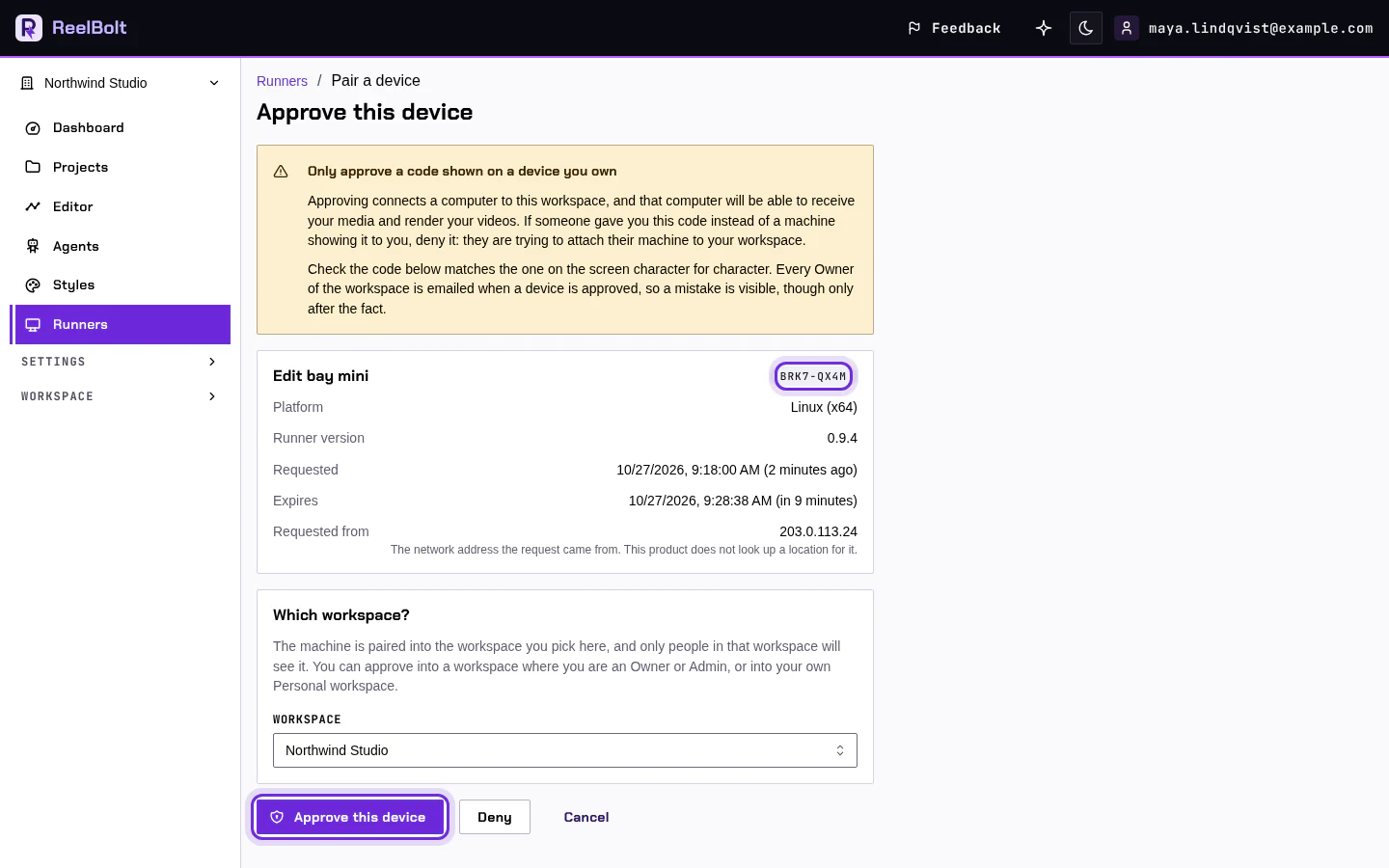
- On the Approve this device page, check that the code matches the one on your computer.
- Choose the workspace to pair the computer into.
- Click Approve this device.
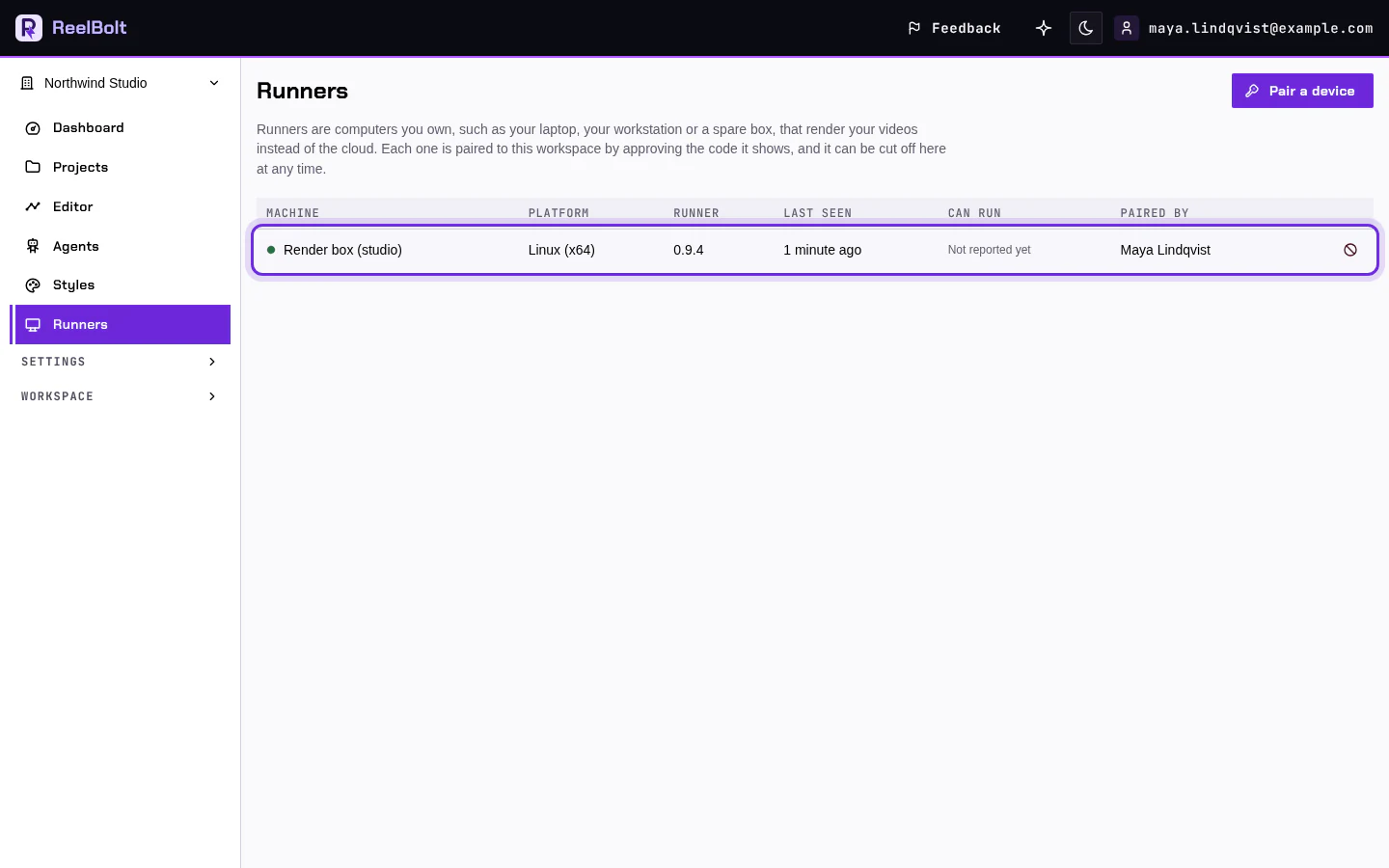
The computer now appears under Runners in the left menu.
Work done on your computer uses no ReelBolt credits. The AI thinking, billing and storage stay on ReelBolt.
If something looks different
- The code expired? Ask the Runner for a new one.
- You cannot pick the workspace? You need to be an Owner or Admin of it.